

DiamondForge
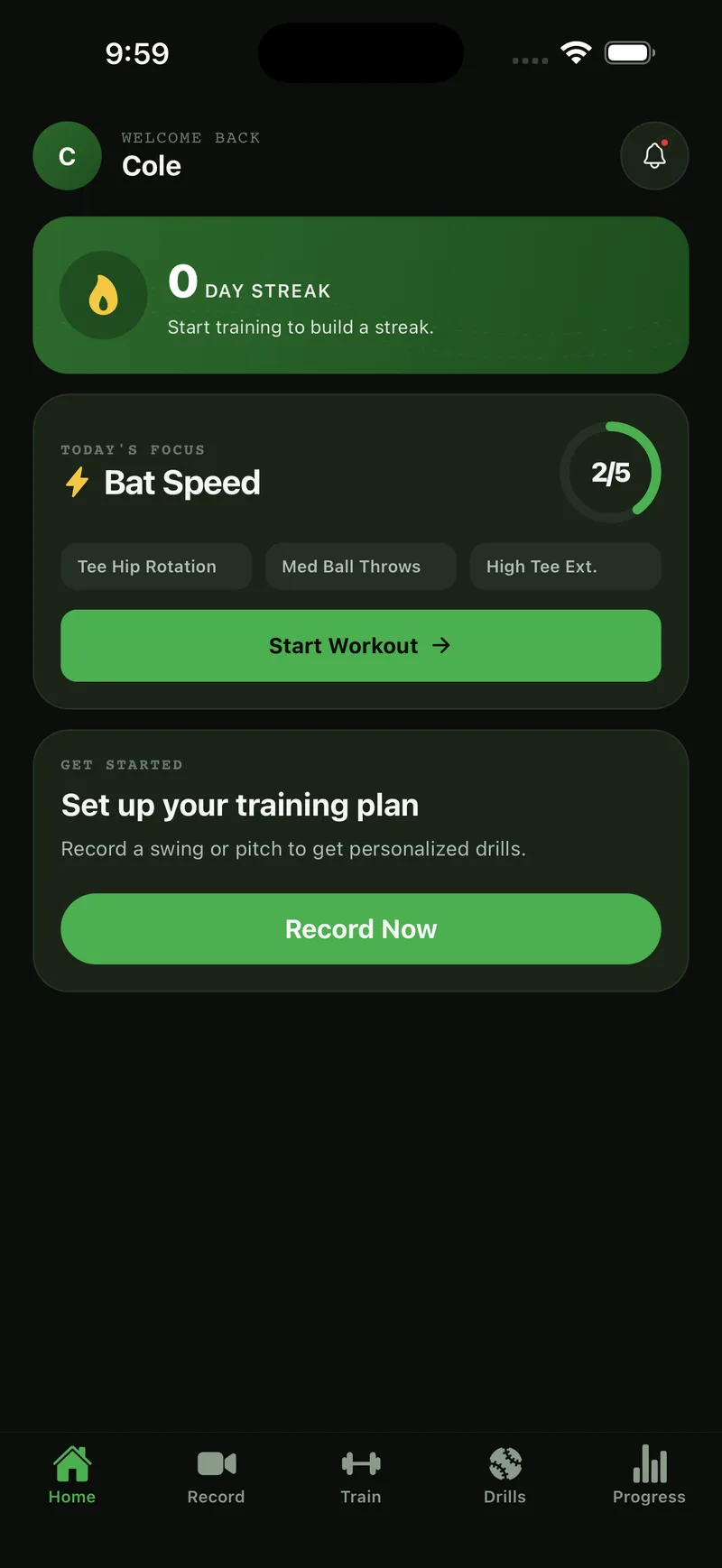
LiveAI-powered baseball training that measures a player's swing, pitch, throw, catching, and fielding on an iPhone and turns the numbers into coaching.
Problem
Phone-based swing analysis was eyeballed from sampled frames and only covered hitters. Players at every position needed real measured metrics and coaching that knew their position.
Solution
240fps slow-motion capture, a true 3D body-pose layer that runs entirely on-device, custom-trained AI models for bat, ball, and glove tracking, and a position-aware coaching layer that turns numbers into age-appropriate drills and a weekly plan.
Key features
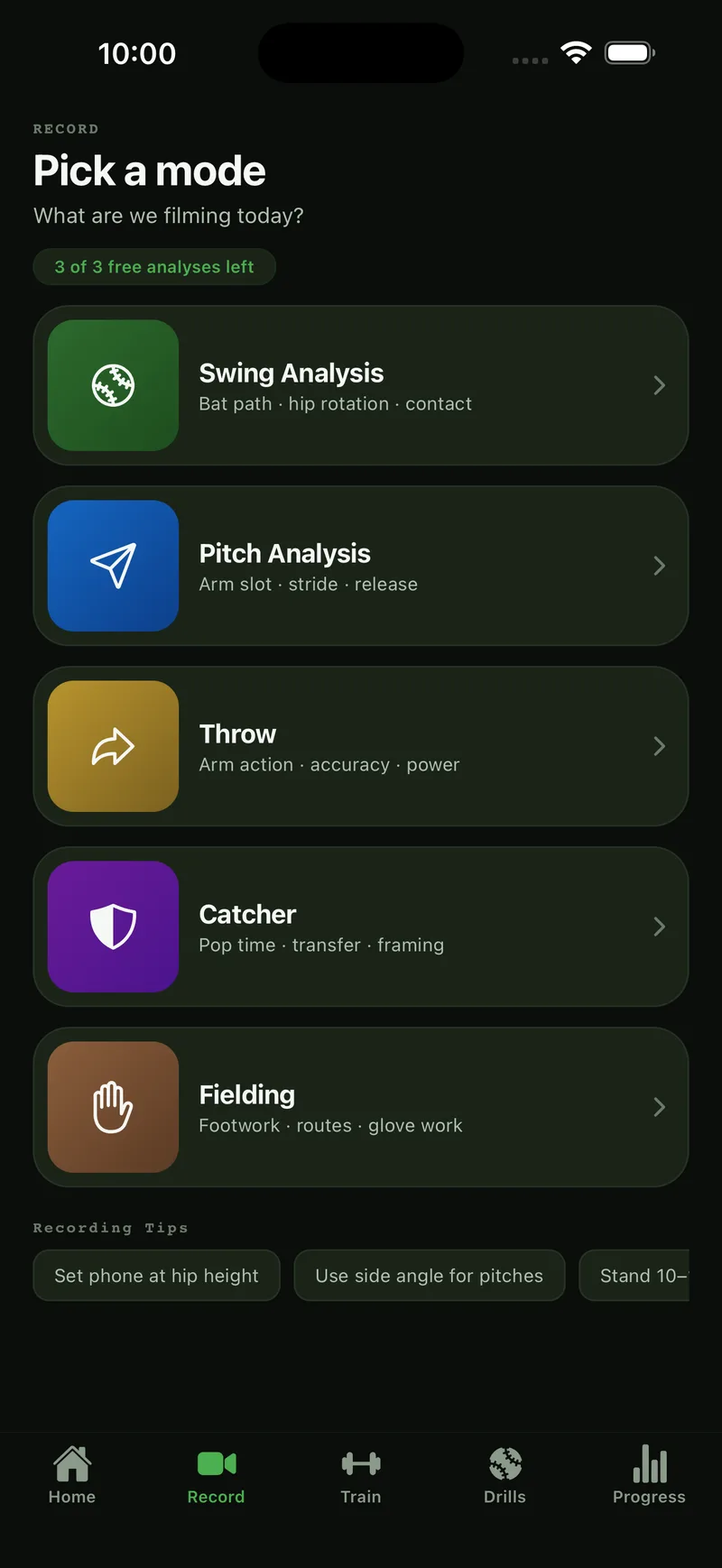
- Five session types: swing, pitch, throw, catcher, fielding
- On-device 3D body pose (15 joints), plus bat, glove, and ball detection
- Pose and bat overlay drawn on the video, time-synced to playback
- Swing phase tagging (swing start, foot down, contact) unlocking phase metrics
- Measured metrics: bat speed, exit velocity, mechanics angles, object metrics
- AI session report with score ring, strengths and improvements that seek to the exact frame
- 3D avatar replay of the player's pose on a rigged model
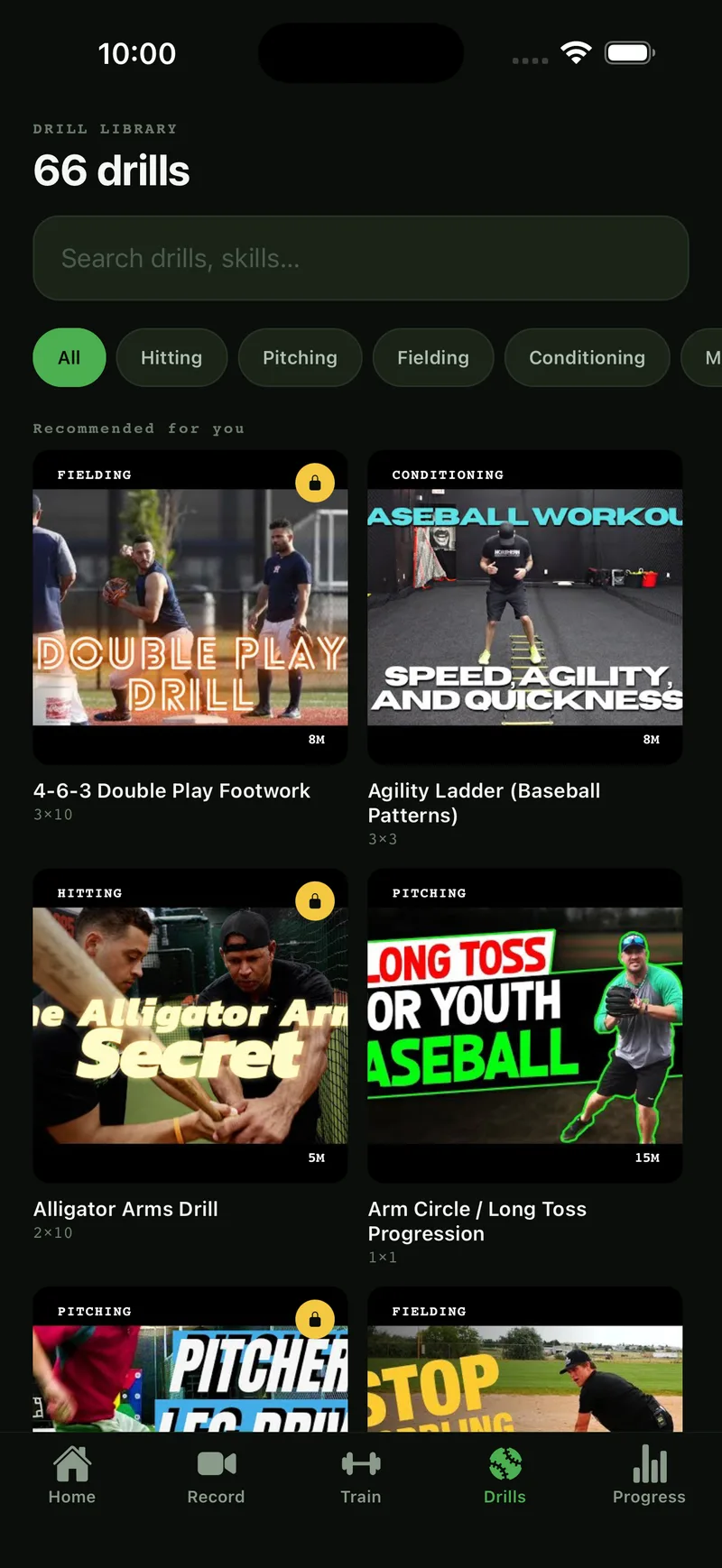
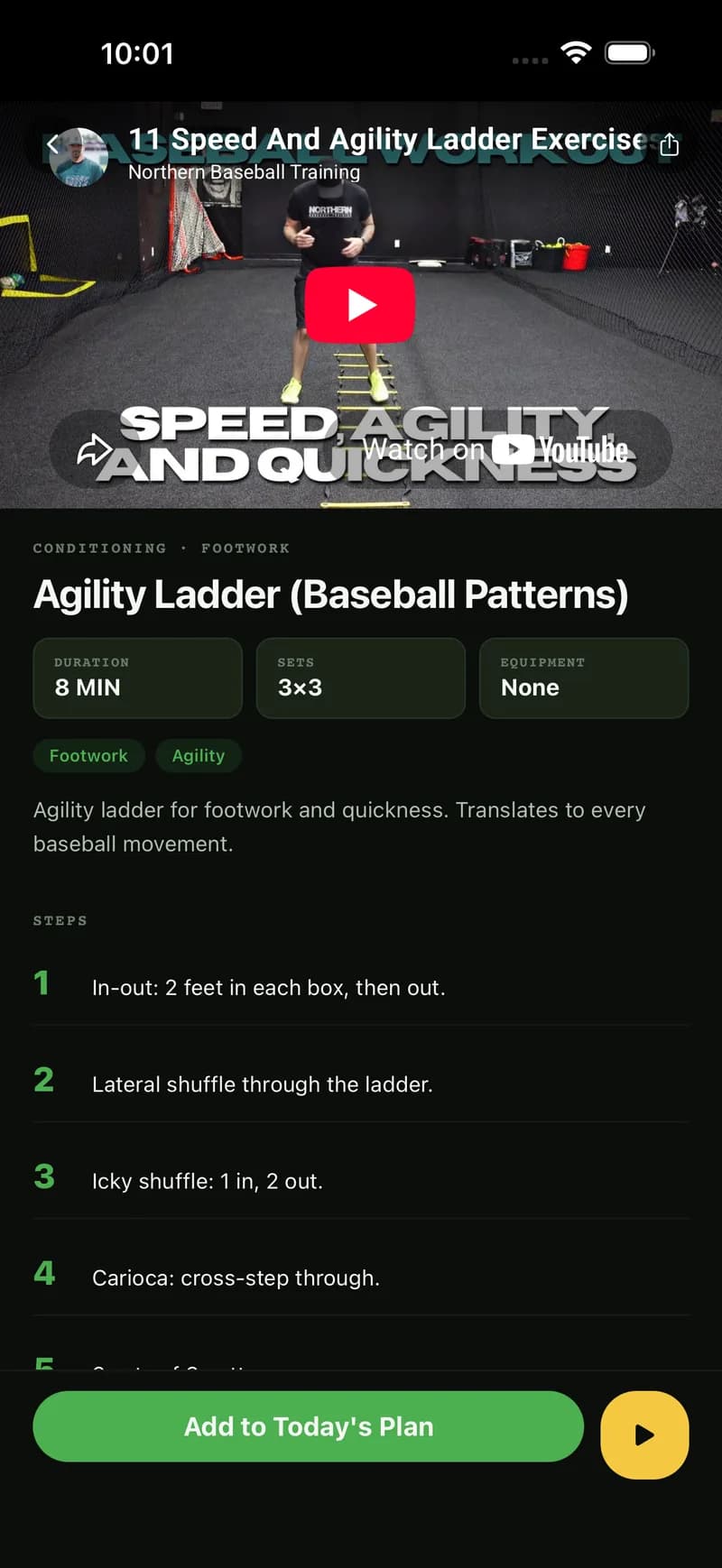
- AI weekly training plans, workout timer with voice cues, drill library with video
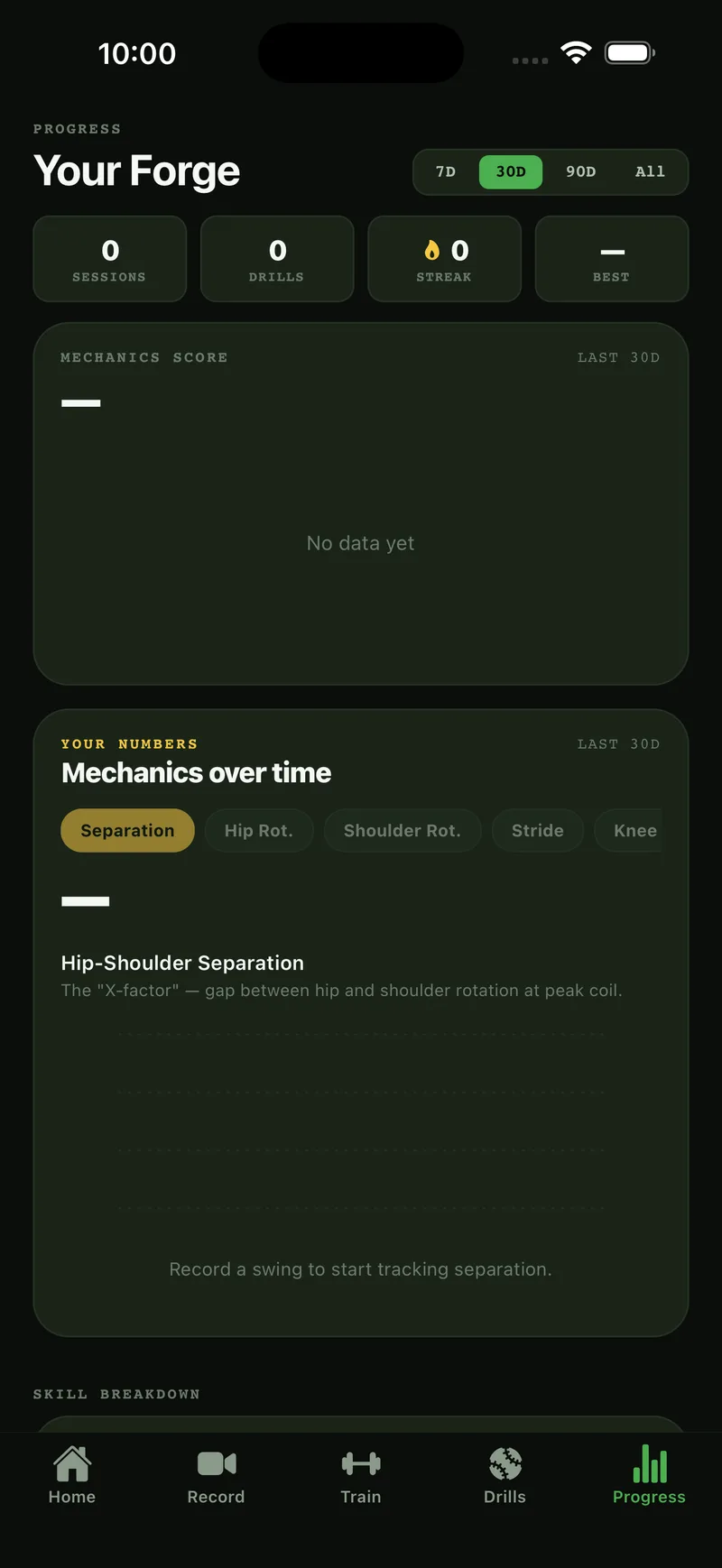
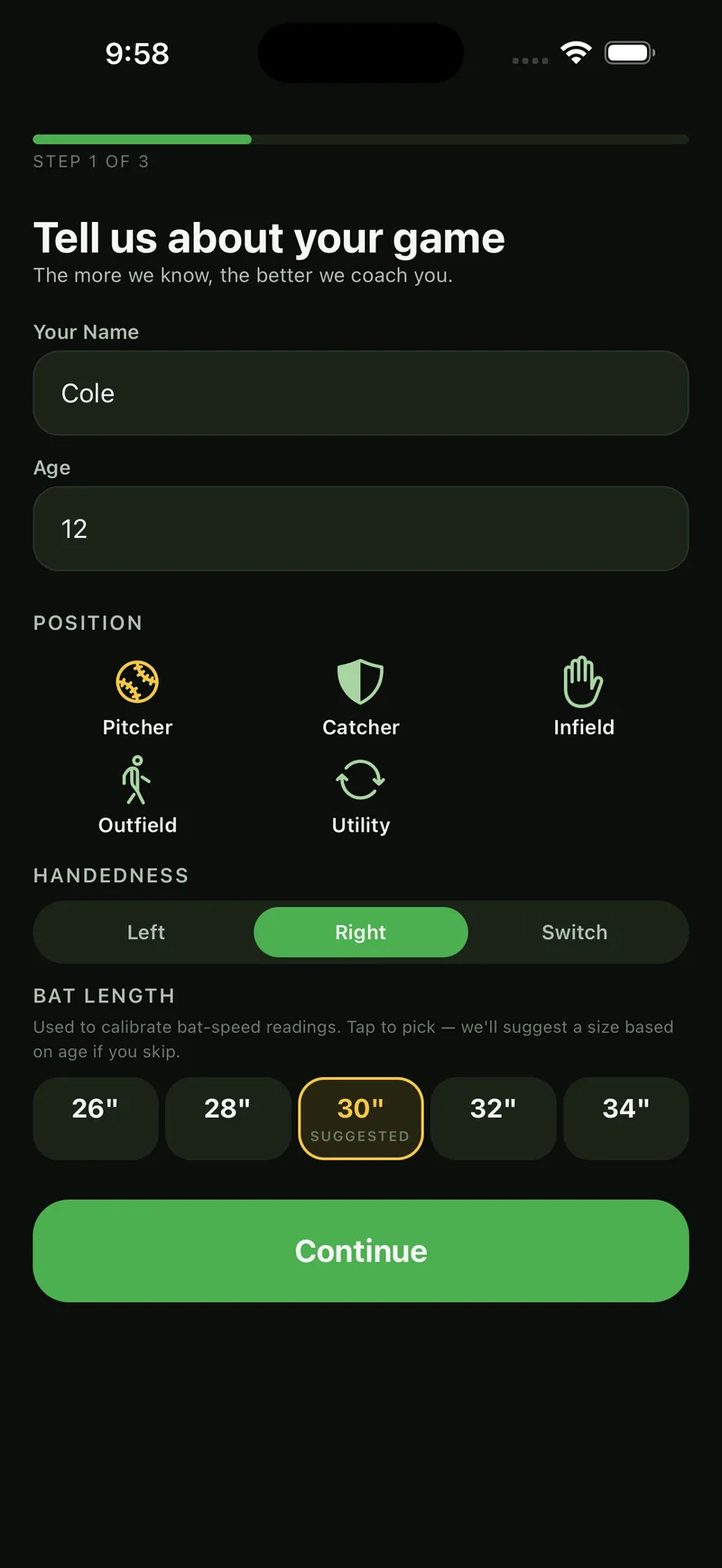
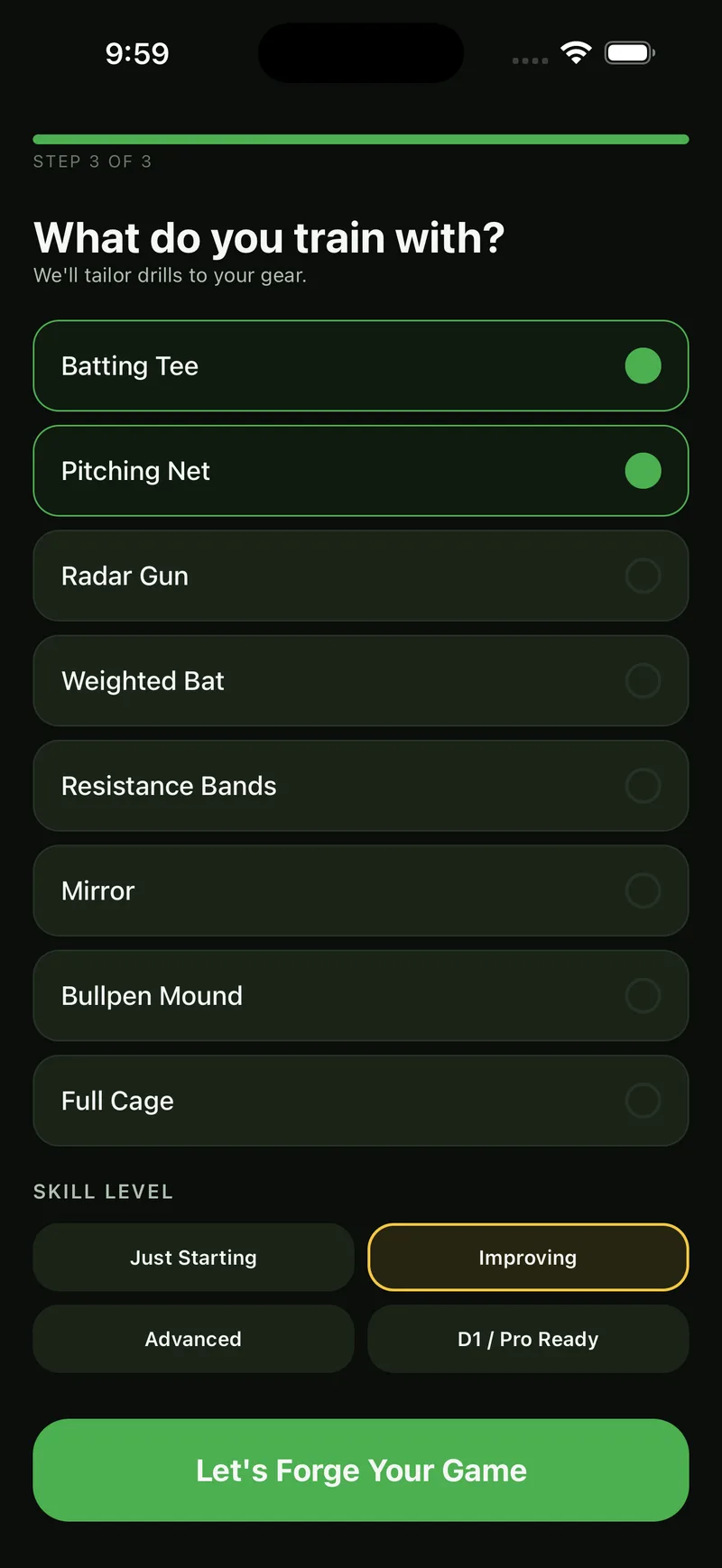
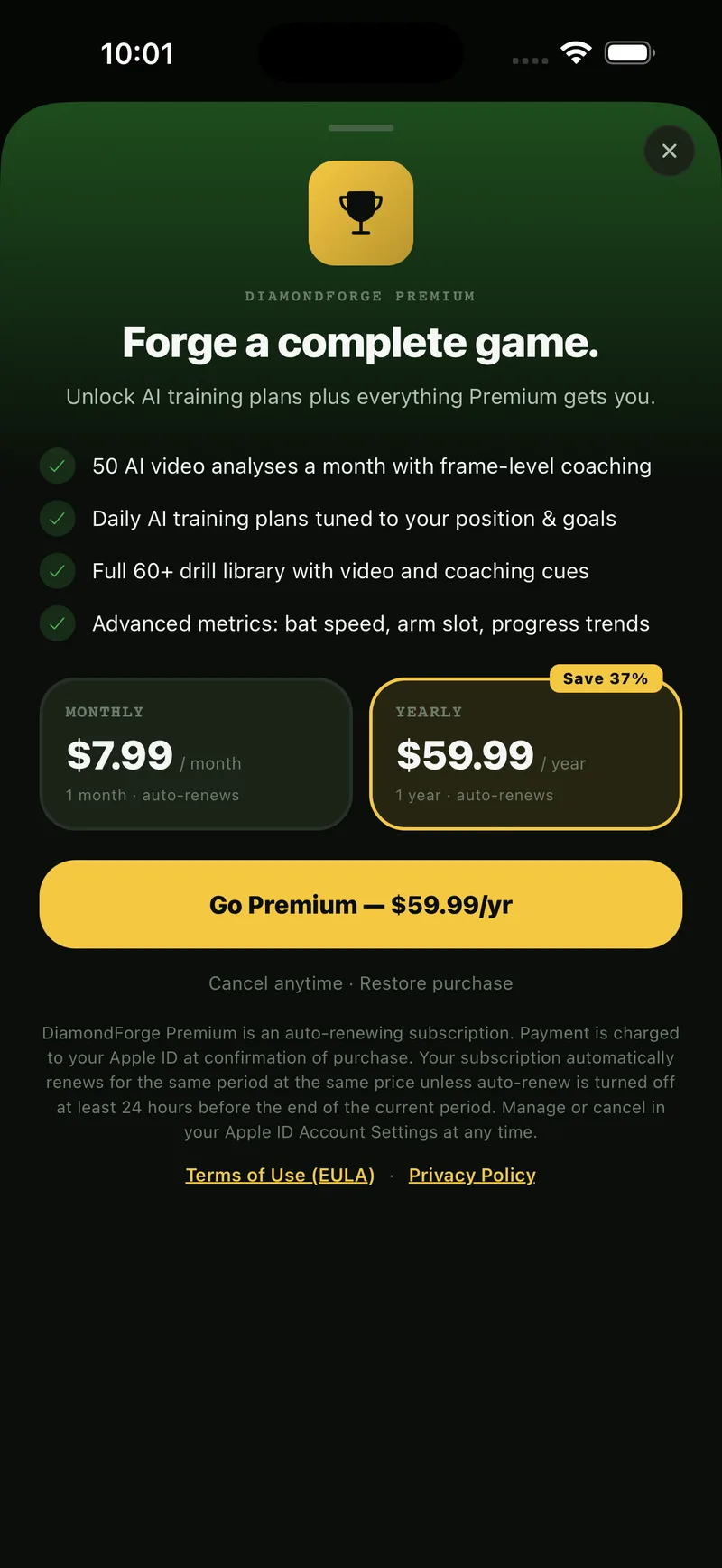
- Progress trends, streaks, personal bests, paywall, onboarding
Engineering highlights
The parts that separate a product from a template.
Self-trained bat-detection model
A custom bat-detection model, 5.6 MB and running on-device, built through an active-learning loop on user-labeled frames.
Multi-provider AI routing
Analysis requests route across multiple AI providers behind a runtime switch, with structured-JSON validation, at roughly $0.0006 per analysis.
Foreshortening-free 3D biomechanics
Metrics are computed from true 3D joints and anchored to swing phases, so the numbers hold up when the camera angle changes.
Training pipeline kept in-repo
The full model-training pipeline lives alongside the app, so retraining on new labeled frames is a script, not a project.
Tech stack
Mobile
Backend
Infrastructure
Services
Building something like this?
Tell us what you are building. We reply within one business day.